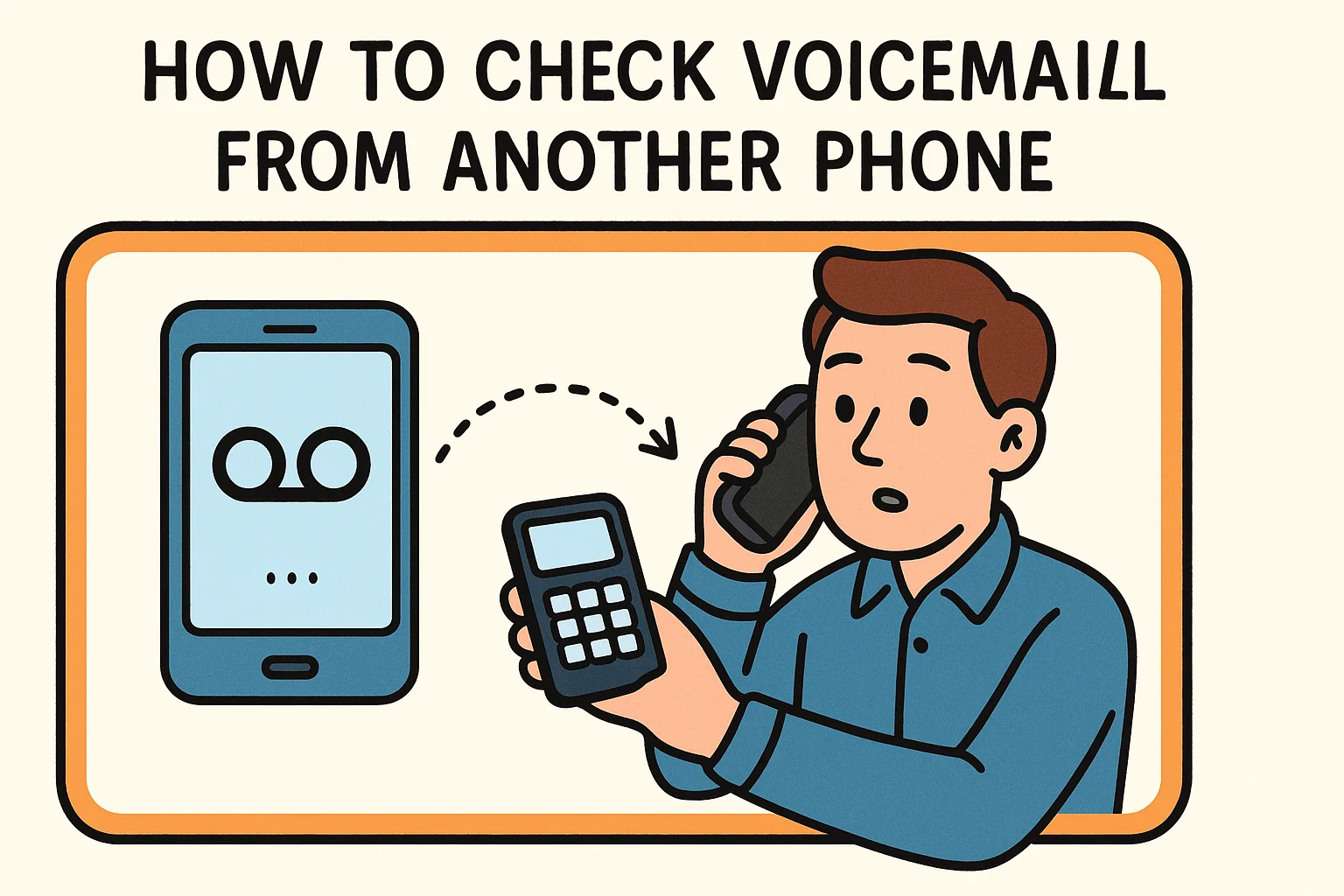
Have you ever found yourself waiting for an important call—only for your phone to die, get lost, or go missing? Don’t panic. You can still check your voicemail from another phone and stay connected to crucial messages from clients, colleagues, or family.
This guide will teach you exactly how to access voicemail remotely across major carriers, explain common issues, and show you how to do it securely. Whether you’re a business executive, cybersecurity professional, or everyday user, mastering this process ensures you’ll never miss an important update again.
What Does It Mean to Check Voicemail from Another Phone?
Checking voicemail from another phone simply means retrieving your stored voice messages without using your own mobile device. Most carriers and VoIP systems allow this function by using your phone number and voicemail PIN.
Essentially, you’re dialing into your voicemail server remotely — much like accessing email from a different device. The process varies slightly by carrier, but the principle is the same:
-
Call your number from another phone
-
Interrupt your voicemail greeting
-
Enter your PIN
 ADVERTISEMENT
 -
Listen, save, or delete messages

This method ensures continuity — even if your smartphone is lost, powered off, or disconnected from the network.
Why You Might Need to Access Voicemail from Another Phone
There are countless situations where remote voicemail access can save the day. Let’s look at a few:
1. When Your Phone Is Lost or Damaged
A broken screen or misplaced device doesn’t mean you lose access to your messages. You can still retrieve voicemail using another phone to stay informed.
2. During Travel or International Trips
While abroad, calling from a local SIM or landline might be cheaper than roaming. Many carriers even offer dedicated international voicemail numbers for travelers.
3. When Your Battery Dies at a Critical Time
Imagine expecting a call from your client or a hospital and your phone dies. A friend’s phone or landline can still get you your voicemail messages instantly.
4. In Multi-Device Work Environments
Executives and remote workers often juggle multiple phones — personal, work, and regional. Remote voicemail access allows unified communication from any device.
5. For Business Continuity
Organizations ensure that customer messages and leads are never missed by training teams to access voicemail remotely when systems fail or networks go down.
In short, remote voicemail access provides a reliable communication safety net.
Step-by-Step: How to Check Voicemail from Another Phone
The process depends slightly on your mobile carrier, but the general idea remains consistent. Here’s how to do it for the major providers:
How to Check Voicemail from Another Phone (AT&T)
-
Call your own mobile number from any phone.
-
When your voicemail greeting starts, press “*” to interrupt.
-
Enter your voicemail PIN and then press “#”.
-
You’ll enter your voicemail system — follow the prompts to play, save, or delete messages.
Reset your PIN regularly through the myAT&T app or web portal for security.
How to Check Voicemail from Another Phone (Verizon)
-
Dial your mobile number from another phone.
-
When you hear your greeting, press “#” immediately.
-
Enter your voicemail password and press “#” again.
-
Choose from menu options:
-
1 – New messages
-
2 – Saved messages
-
7 – Delete
-
9 – Save
-
Bonus:
You can also use Verizon Visual Voicemail to access messages securely through the app without calling.
How to Check Voicemail from Another Phone (T-Mobile)
-
Dial your number or +1-805-637-7243 (if abroad).
-
When the greeting plays, press “*”.
-
Enter your PIN and press “#.”
-
Navigate the voicemail menu using voice or keypad commands.
If you travel internationally often, save +1-805-637-7243 to your contacts as “T-Mobile Voicemail Access.”
How to Check Voicemail from Another Phone (Google Voice)
Google Voice users can access voicemail online or from any phone:
-
Go to voice.google.com → click Voicemail
-
Or call your Google Voice number → press “*” during the greeting
-
Enter your PIN to access messages
Benefit: Google Voice transcribes voicemails into text automatically, making remote management simple and efficient.
How to Check Voicemail from Another Phone (International & Corporate Networks)
If you use enterprise VoIP systems such as Cisco, RingCentral, or Zoom Phone, you can access voicemail via:
For example:
Alternative Ways to Access Voicemail Without Calling
If you can’t or don’t want to dial in, there are modern ways to retrieve your voicemail securely:
1. Visual Voicemail Apps
Most carriers now include visual voicemail as a standard feature. This app-based system allows you to:
-
Read transcriptions of your messages
-
Play audio messages with one tap
-
Delete or share messages instantly
Examples:
2. Email Forwarding for Voicemail
Many enterprise setups automatically forward voicemail messages to email as audio files. This method allows you to listen using any device with an internet connection.
3. Voicemail Web Portals
Some services (like Google Voice, Microsoft Teams Phone, or VoIP.ms) offer web-based dashboards for direct message playback.
4. Voicemail-to-Text Services
Third-party tools such as YouMail, HulloMail, or InstaVoice can transcribe and send your messages to your inbox.
Security Tips for Accessing Voicemail Remotely
When you learn how to check voicemail from another phone, security should be your top priority. Voicemail accounts can be exploited if poorly secured. Follow these essential practices:
1. Use a Strong, Unique PIN
Avoid predictable numbers (e.g., 1234 or 0000). Combine random digits and update regularly.
2. Disable Default Access Settings
Some carriers allow default PINs or quick access without verification—disable these features to prevent unauthorized entry.
3. Avoid Checking Voicemail from Public or Shared Phones
Public devices may record tones or store call history. Always use a trusted phone.
4. Hang Up Properly
Don’t assume the line disconnects automatically. Ensure the session ends before leaving a shared device.
5. Beware of Phishing Voicemail Links
Cybercriminals often send fake “voicemail” emails or texts with malicious links. Verify the source before clicking.
6. Use Carrier or App-Based Encryption
Some voicemail apps offer encryption by default. Enable it under “Security Settings” for additional protection.
Troubleshooting Common Voicemail Access Problems
Even when you follow instructions, you might face occasional issues. Here’s how to solve the most common ones:
1. “Incorrect PIN” or “Voicemail Locked”
2. No Response to the “*” or “#” Key
-
Ensure you’re pressing during the greeting, not after the beep.
-
Check whether your carrier uses a different key (some VoIP systems use 0).
3. No Voicemail Service Found
4. Can’t Access Internationally
Common Mistakes to Avoid When Checking Voicemail from Another Phone
-
Forgetting Your PIN: You can’t access voicemail remotely without one.
-
Failing to Set Remote Access: Some carriers disable remote retrieval by default — enable it first.
-
Accessing via Untrusted Lines: Shared landlines can store dial history or expose credentials.
-
Overlooking Call Costs: Accessing voicemail abroad may incur international calling charges.
-
Leaving Messages Unprotected: Always delete sensitive voicemails after listening.
By avoiding these errors, you keep both your data and communications secure.
How to Check Voicemail from Another Phone – Business & Security Insights
For organizations and professionals handling sensitive information, voicemail security is more than convenience—it’s compliance.
1. Use Encrypted Voicemail Storage
Select carriers or VoIP platforms that support AES-256 encryption or equivalent standards.
2. Implement Access Logging
In business settings, audit logs can track when and where voicemails are accessed—useful for regulatory compliance.
3. Automate Message Deletion
To reduce exposure risk, configure systems to auto-delete voicemails after a set period (e.g., 30 days).
4. Educate Employees
Conduct regular security awareness sessions about voicemail phishing, unauthorized access, and proper PIN management.
5. Multi-Layer Authentication
Some enterprise communication systems now use 2FA for voicemail — an excellent way to protect confidential recordings.
Advanced Method: Using Voicemail APIs
Tech professionals can automate voicemail retrieval or monitoring through carrier APIs or third-party services:
-
Twilio Voice API – Fetches voicemail audio and transcriptions via API calls.
-
Plivo – Offers webhook triggers for missed calls and voicemails.
-
Vonage Voice API – Integrates voicemail functions into business applications.
While this method requires coding knowledge, it’s ideal for security analysts, DevOps teams, and telecom engineers managing large-scale voice infrastructures.
Cybersecurity Risks in Remote Voicemail Access
Voicemail may seem harmless, but it has been used in SIM swap attacks, vishing (voice phishing), and credential theft. Here’s how attackers exploit voicemail and how to prevent it:
1. SIM Swap Exploitation
Attackers use voicemail authentication to gain access to SMS-based two-factor codes.
Fix: Use app-based or hardware 2FA (like Authy or YubiKey) instead of SMS.
2. Voicemail Phishing (Vishing)
Scammers send fake voicemail alerts urging you to call fraudulent numbers.
Fix: Verify official communication channels before responding.
3. Credential Replay
If you reuse voicemail PINs across accounts, attackers can breach multiple services.
Fix: Use unique PINs and rotate them quarterly.
Security-conscious professionals treat voicemail with the same caution as email or text data.
Benefits of Knowing How to Check Voicemail from Another Phone
-
Business Continuity: Never miss client communications even if your device fails.
-
Emergency Preparedness: Access critical updates remotely.
-
Operational Flexibility: Perfect for remote teams and travelers.
-
Enhanced Productivity: Retrieve and clear messages efficiently.
-
Improved Security Awareness: Reinforces safe communication practices.
Conclusion: Stay Connected, Stay Secure
Being able to check voicemail from another phone is a simple yet powerful skill. It ensures you remain accessible no matter what happens to your primary device.
With just your PIN and number, you can stay informed while maintaining privacy and control. As technology advances, voicemail remains an essential fallback communication tool — one worth managing carefully.
So next time your phone dies, you’ll know exactly what to do — call your number, enter your PIN, and stay connected securely.
FAQs About Checking Voicemail from Another Phone
1. Can I access my voicemail without a PIN?
No. A PIN or passcode is mandatory for remote voicemail access. It’s a critical security measure.
2. What if I forget my voicemail password?
You can reset it through your carrier’s online account or mobile app. Some allow password resets via text confirmation.
3. Can someone else check my voicemail?
Only if they know both your number and PIN. Always keep your credentials confidential.
4. Is there a way to check voicemail without calling?
Yes. You can use visual voicemail apps, web dashboards, or voicemail-to-email forwarding if your carrier supports it.
5. How do I check voicemail when traveling abroad?
Dial your carrier’s international voicemail access number. You can find it in your provider’s support section.
6. Can I check work voicemail from my personal phone?
Yes, if your organization’s system allows it. Use your extension and PIN or access via your company’s VoIP app.
7. Are there apps that let me manage multiple voicemails?
Yes. Tools like YouMail and HulloMail consolidate voicemails from multiple lines into one inbox.
8. Is remote voicemail safe for businesses?
Yes—if proper security settings (strong PINs, 2FA, encryption) are enabled.
Call-to-Action
Never lose touch again — bookmark this guide and share it with your team or clients. Stay connected, stay secure, and always be ready to check your voicemail, no matter where you are.