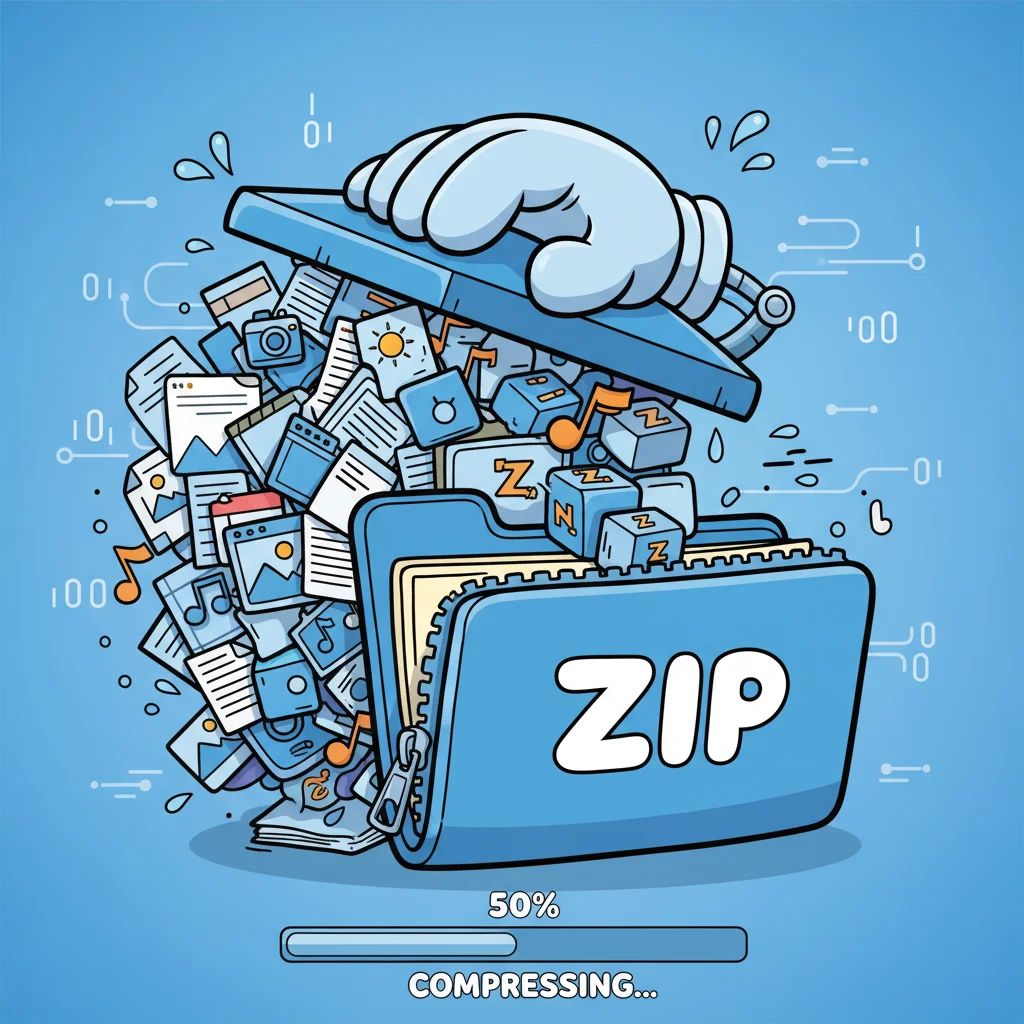
Have you ever tried sending a 10 GB log bundle across your network, only to watch it crawl or fail outright? Or seen storage costs balloon because of uncompressed backups? This is where knowing how do you compress a file becomes mission-critical for cybersecurity teams, technical executives, and IT operators.
In this deep dive, you’ll gain both theoretical and practical mastery: from compression algorithms to secure usage and automation. Let’s walk through how to compress files efficiently, safely, and at scale.
Why File Compression Matters in Security & Operations
Benefits: Storage, Bandwidth & Risk Reduction
-
Save storage: compressed files take up less disk or cloud capacity
-
Faster transfers: smaller size means quicker uploads/downloads
-
Reduced attack surface: less data moving around, fewer leak points
-
Audit & archival efficiency: compressed logs or data archives are easier to version and maintain
Use Cases: Backups, Transfers & Audits
-
Distributing firmware, software packages, or patch bundles
 ADVERTISEMENT
 -
Archiving historical logs, forensic captures, or backups
-
Moving large datasets between data centers or cloud zones
-
Sharing reports or audit records securely

Compression is not just convenience—it’s part of a lean, risk-aware infrastructure.
Core Compression Concepts & Algorithms
Lossless vs. Lossy Compression
-
Lossless: no data is lost. Essential for code, logs, documents (e.g. ZIP, Gzip, LZMA).
-
Lossy: some data discarded. Useful for media (images, audio) where perfect fidelity of every bit isn’t critical.
For security and enterprise use, virtually all compression must be lossless.
Common Algorithms: ZIP / Deflate, Gzip, Brotli, LZMA, Etc.
-
ZIP / Deflate: one of the most prevalent formats. Combines LZ77 + Huffman coding. Wikipedia+1
-
Gzip: stream-based, built for compressing single files or data streams. Wikipedia
-
Brotli: newer algorithm, optimized for web content; often gives better compression (especially for text) than gzip. Wikipedia
-
LZMA / 7z: high compression ratios, slower performance. Good when you compress once, decompress many times. Lifewire
When to Choose Which Method
-
For logs and text: Brotli or LZMA may offer better ratio
-
For quick batch compression: ZIP or gzip are fast and broadly compatible
-
When compressing many small files: better to tar then compress (reduces overhead)
-
For streaming data: gzip or Brotli (streamable)
Understanding trade-offs is key.
Practical Methods to Compress a File
Let’s move from theory to action.
OS Built-in Compression (Windows, macOS, Linux)
-
Windows: Select files/folders → right-click → Send to > Compressed (zipped) folder.
-
macOS / Finder: Right-click → Compress [filename], yields
.zipfile. -
Linux (GUI): Many file managers like Nautilus or Dolphin offer “Compress” option.
-
These are great for ad-hoc use, but lack advanced options (encryption, chunking).
Command-Line Tools & Scripts
For security professionals, command line is indispensable.
Examples:
-
Linux / macOS
(c = create, z = gzip, v = verbose, f = file)
-
gzip:
gzip filename→ producesfilename.gz -
7-Zip (Windows CLI):
-
Combine with encryption flags (see next section).
GUI / Third-Party Utilities
-
7-Zip: free, open-source, powerful. Supports 7z, zip, tar, etc.
-
WinRAR: widely known, good encryption support.
-
PeaZip: versatile, many format support. Lifewire
-
These GUI tools offer sliders for compression level (fast, normal, ultra, etc.) and encryption/password options.
Online Compression Tools & Limitations
-
Tools like Compress2Go let you upload and compress files in browser. Online File Compressor
-
Pros: easy, no software install
-
Cons: privacy risk, upload limits, performance lag, uncertain algorithm quality
For sensitive or large data, rely on local or controlled tools.
Security Considerations During Compression
As you compress files, consider these security layers.
Encrypting Compressed Archives
-
Use AES-256 encryption (if supported) rather than weak ZIP passwords.
-
Many tools support strong encryption (7-Zip, WinRAR).
-
Never rely solely on filename obscurity—always encrypt if the file is sensitive.
Avoid Embedding Malware
-
Scanning archives is tricky: nested archives may hide payloads.
-
Always unpack in a sandbox or use antivirus that inspects compressed content.
-
Reject archives from unknown sources.
Prevent Archive-Based Attacks
-
Zip bombs (e.g. highly nested or self-referential) can cause decompression disasters.
-
Limit depth, size, and resource usage in your decompress logic.
-
Use tools that detect or safely abort on zip bombs.
Integrity Checks & Hashing
-
After compression, compute a hash (SHA-256, SHA-512) to verify no tampering.
-
You could embed the hash into a manifest or sign it cryptographically.
By combining encryption + integrity + safe extraction practices, compression becomes part of a secure pipeline.
Enterprise & Automation Strategies
Compression isn’t just manual — enterprise scale demands automation.
Automating Compression in Pipelines / CI-CD
-
Integrate compression in build pipelines (e.g. compress release artifacts).
-
Use scripts or tools to compress, encrypt, and upload automatically.
-
Monitor failures or anomalies (sizes, compression ratios outside norm).
Compressing Logs, Backups & Large Datasets
-
Rotate logs daily, and compress older logs (e.g. logs older than N days).
-
Run scheduled backup compress jobs (e.g. nightly archives).
-
In big data scenarios, chunk large datasets and compress per block.
Compression in Cloud / Hybrid Environments
-
Many cloud storage services compress data (or accept compressed uploads).
-
Use serverless or container functions to compress on-the-fly.
-
Consider bandwidth costs: compress before cross-region transfer.
Automation ensures consistency, reduces human error, and scales securely.
Performance, Trade-offs & Best Practices
Compression involves balancing speed, resources, and size.
Compression Ratio vs Speed
-
Higher compression (LZMA, Brotli ultra) takes more CPU/time.
-
Faster modes (ZIP “fast”) lower CPU but less size gain.
-
Match compression level to usage pattern (compress-once vs frequent decompress).
Resource Overhead: Memory & CPU Use
-
Huge archives may consume high RAM or CPU—ensure capacity.
-
Multi-threaded compressors help on modern CPUs.
-
Monitor system load and avoid throttling critical services.
Choosing Block Sizes, Chunking & Streaming
-
For massive files, split into chunks (e.g. 100 MB) before compressing.
-
Use streaming compression for continuous data flows.
-
Optimize block sizes to avoid overhead.
Monitoring, Versioning, Rollback
-
Record compression ratios over time; sudden drops may hint at anomalies.
-
Keep uncompressed originals (or differential snapshots) for rollback.
-
Version your compressed archives with timestamps/hashes.
When leaders and architects weigh options, these trade-offs matter.
Step-by-Step Example: Compress & Secure a Log Archive
Let’s walk through a real example security operations team might use.
Scenario
You have a daily log folder: /var/logs/app/YYYY-MM-DD/ — compress it, encrypt it, and move to archival storage.
Steps (Linux / CLI with 7-Zip installed)
-
Navigate to log directory:
-
Create compressed and encrypted archive:
-
Verify integrity & get hash:
-
Move or sync to archival storage:
-
In automated script, loop for each daily folder, rotate older archives, and log actions.
This ensures that your logs are compressed, encrypted, integrity-protected, and ready for safe long-term storage.
Summary & Recommendations for Leaders
-
The primary question how do you compress a file demands both conceptual and tactical mastery.
-
Use lossless compression for all security or business data.
-
Choose the algorithm (ZIP, Brotli, LZMA) based on pattern, performance, and compatibility.
-
Always encrypt archives, verify integrity, and guard against malicious archives.
-
Automate compression in pipelines and backups to reduce human error.
-
Monitor performance and maintain metrics & versioning.
When done right, file compression becomes not just a utility, but a strategic tool in your security and data efficiency stack.
Frequently Asked Questions
1. How do you compress a file without losing data?
Use lossless compression formats like ZIP, Gzip, 7z (LZMA). These preserve every bit of original data, making them safe for logs, executables, or documents.
2. Which tool is best to compress a file on Windows?
7-Zip is a top choice: open-source, supports 7z/zip/rar, strong encryption, excellent compression ratios. WinRAR and PeaZip are also solid alternatives.
3. Can compressed files be encrypted?
Yes — many compression tools support AES-256 encryption for the archive and, optionally, for filenames. Always enable encryption for sensitive content.
4. Will compressing files reduce security?
Not necessarily. If done with weak passwords or no validation, compressed archives can be a risk (e.g. zip bombs or hidden malware). But with encryption, integrity checks, and safe handling, compression enhances security.
5. What is the difference between Gzip and Brotli?
Gzip is older and stream-friendly; Brotli often achieves better compression, especially for text and web assets. Brotli is increasingly used in web servers and CDNs. Wikipedia
6. How do I automate compression in my infrastructure?
Embed compression/encryption steps in your build scripts, cron jobs, pipelines, or backup routines. Use CLI tools (7z, gzip, tar) with scripting, monitor logs, and version archives.
7. Can zip bombs still harm my system?
Yes. A maliciously crafted archive can expand massively and exhaust resources. Use safe decompression libraries, limit recursion depth, and validate sizes before extraction.